Sooner or later every growing business hits the same fork. The tool you bought two years ago still works, but your team now keeps a spreadsheet next to it, a second spreadsheet next to the first, and a shared inbox that quietly does the job the software was supposed to do. Someone says "maybe we should just build our own." Someone else says "we are not a software company." Both are right, which is why the decision is hard. The honest answer is neither "always build" nor "always buy". It depends on a handful of things you can actually check, and most of them have nothing to do with technology.
What off-the-shelf software is genuinely good at
Start with the case for buying, because it is stronger than developers like to admit. A mature SaaS product gives you years of other people's lessons for the price of a subscription: edge cases you have not met yet, security patching you never think about, integrations that already exist, and a support desk. For a function that is the same in every company — payroll, email marketing, basic accounting, a help desk — building your own is almost always a mistake. Nobody wins a market by having a better custom payroll screen.
Speed matters too. A subscription starts working this week. A custom system starts working after discovery, design, build and testing. If the process is standard and the clock is ticking, buy.
Where it starts to hurt
The trouble shows up when the process is not standard — when it is the thing that makes your business different. Four symptoms are reliable.
Your team works around the tool. Exports to a spreadsheet, copy-paste between two screens, a manual step that exists only because the software has no field for it. Each workaround is small. Together they are a hidden salary line.
You pay for what you do not use, and miss what you need. Per-seat pricing grows with headcount, while the one feature you truly need sits behind a higher tier or does not exist at all.
Your data is scattered. Customers live in one tool, orders in another, support history in a third. Nobody can answer a simple question — "which customers who ordered twice complained last quarter?" — without a weekend of exports.
You are renting your own process. Your workflow lives inside someone else's roadmap. When they change a feature, retire a plan or raise a price, you adapt, not them.
Five questions that settle it
When clients ask us which way to go, we walk through five questions, in this order.
1. Is this process a differentiator or a commodity? If a competitor could run the same tool and look identical to your customers, it is a commodity. Buy. If the process is part of why customers choose you, owning it has real strategic value.
2. How many workarounds exist today? Ask the team to list them. If the list fits on a sticky note, configure the tool better. If it fills a page, the tool does not fit the work.
3. How much does the process change? A stable process suits a stable product. A process you revise every quarter is better served by software you control, because a vendor will not reorder its roadmap around you.
4. Who needs to touch the data? If customers, partners or field staff need their own views and permissions, a custom web application can give each exactly what they need — and nothing else. Generic tools tend to offer one shape of access for everyone.
5. Can you carry the ownership? This is the question people skip. Custom software is not a one-off purchase: it needs hosting, security updates, monitoring and a team that knows the code. If you will not have that, either buy, or work with a partner who stays after launch.
The hidden costs, on both sides
Buying looks cheap because the invoice is small and visible. The costs hide in migration, in workarounds, in the day the vendor changes terms and in the difficulty of leaving: exporting years of data from a system designed to keep it is rarely pleasant.
Building looks expensive because the invoice is large and upfront. Its hidden costs are scope drift, the time your own people spend defining what they need, and the maintenance that follows launch. A custom system that nobody maintains ages faster than a subscription that someone else does. Budget for it from day one.
What it looks like in practice
Picture a field-service company running work orders in an off-the-shelf tool. Scheduling is fine, but pricing follows the company's own rules, and technicians must update status offline. Every morning the office copies orders into a spreadsheet, calculates the price there and pastes it back. That is not a bug; it is the gap between a general tool and a specific process.
The sensible fix is not to replace everything. A small web application holds the pricing rules and the technician view, connects to the existing tool for scheduling, and leaves the rest alone. Notice where we started: with the manual work, not a feature list. If you can describe the pain in one sentence, you can usually describe the part worth building in one too.
The path most businesses actually take
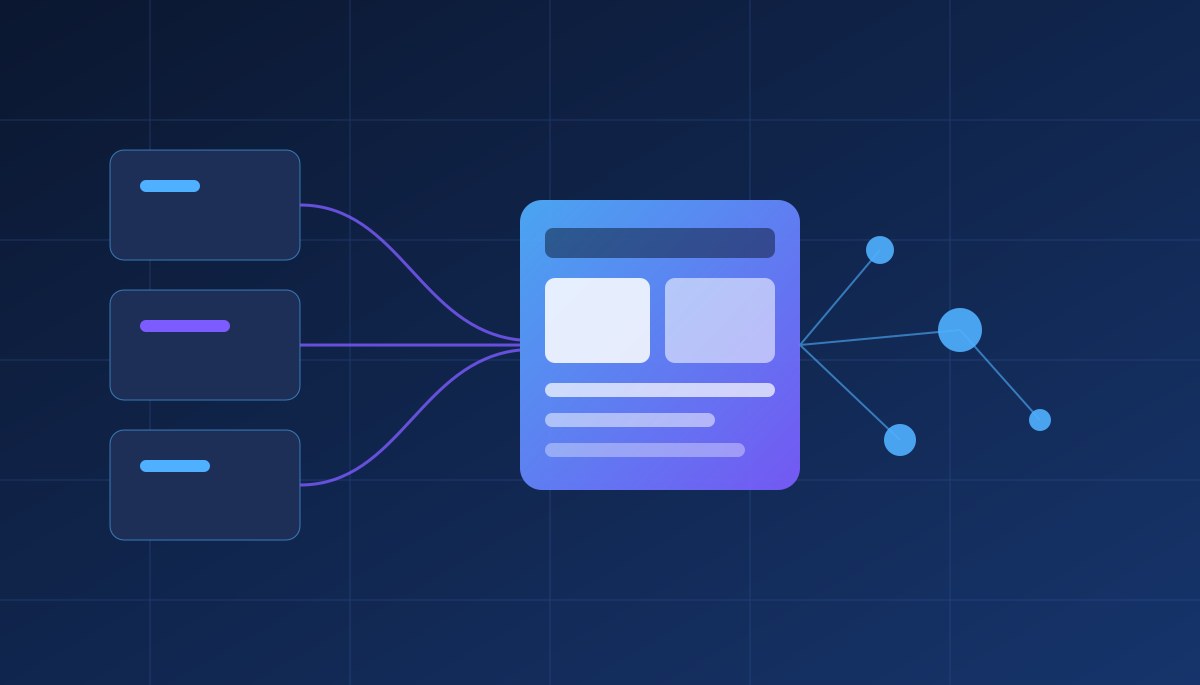
In practice, the best answer is often a hybrid. Keep the commodity pieces — accounting, email, payments — as SaaS. Build the layer that holds your differentiating process, and connect everything through APIs so that data flows instead of being re-typed. Done well, the custom part stays small, focused and replaceable, and you are never locked into either side.
The same applies to automation. A custom application is a natural home for AI agents that take over repetitive steps in your workflow, because the agent can read and write your data directly rather than clicking through someone else's interface.
A simple way to start
Before you commit to either path, spend one afternoon on this: write down the three processes that cost you the most manual effort, mark which ones are commodity and which are yours, and count the workarounds around each. The picture is usually clear within an hour.
MSApps has been building software since 2010, with a team of about 40 experts in mobile, web and AI. If you would like a second opinion on a build-or-buy decision, read about our web development services and AI automation, or get in touch and we will look at your workflow together — including the honest case where the answer is "keep the tool you have."